
There’s no need to share one admin account among employees, you can create as many accounts as you’d like to help manage your website. This will allow you to see who makes edits, when they’re made, choose access levels, and create posts from other users besides yourself if your website template displays that information.
Create or Manage Users
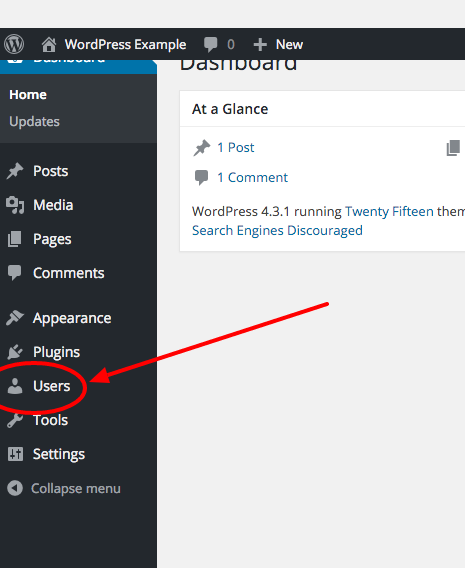
- Begin by clicking on Users in the sidebar.
- Click Add New or choose a user to edit.
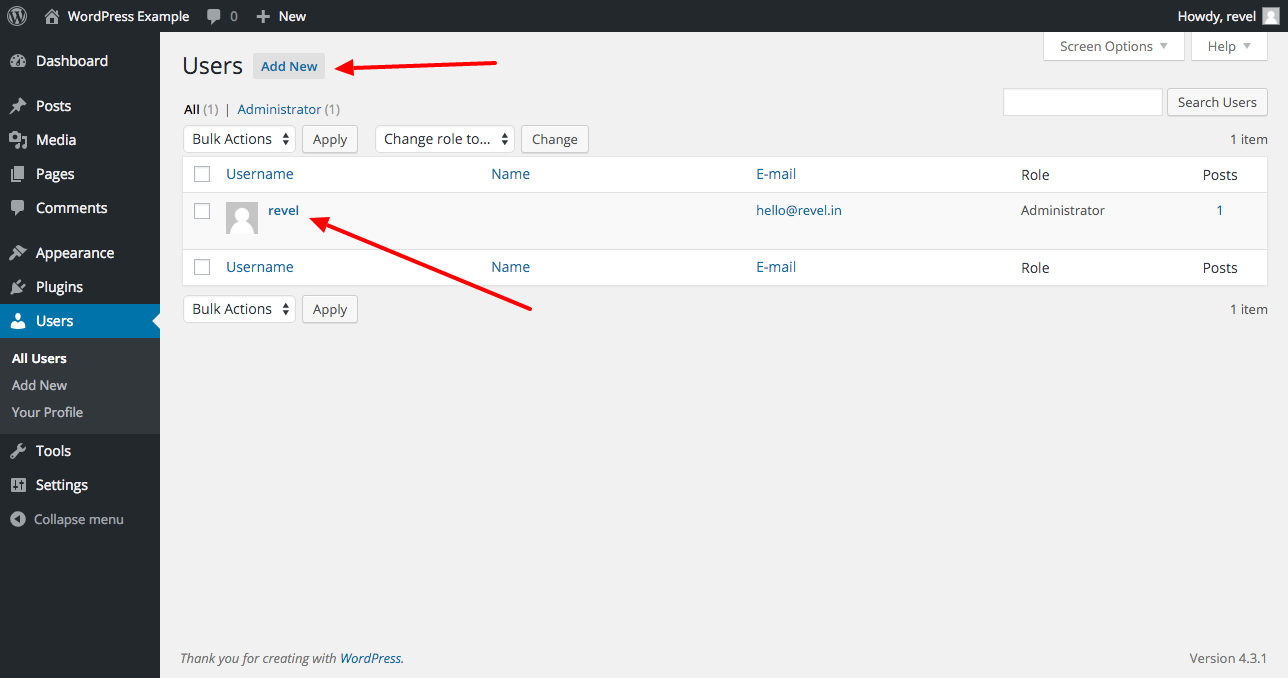
- Fill in the username, which will be used to log in – email address of the user, where the password will be emailed to – and choose a role. See below for more information on roles.
- If you click on Show Password you can copy the pre-generated password for them to log-in or set your own password. This can be useful when you’d like to personally give log-in information to a user.
User Roles
- Administrator – nothing is off limits
- Editor – has access to all posts and pages
- Author – can write, upload photos to, edit, and publish their own posts.
- Contributor – has no publishing or uploading capability, but can write and edit their own posts until they are approved by an admin or editor
- Subscriber – no admin ability, have access to private pages